



Description
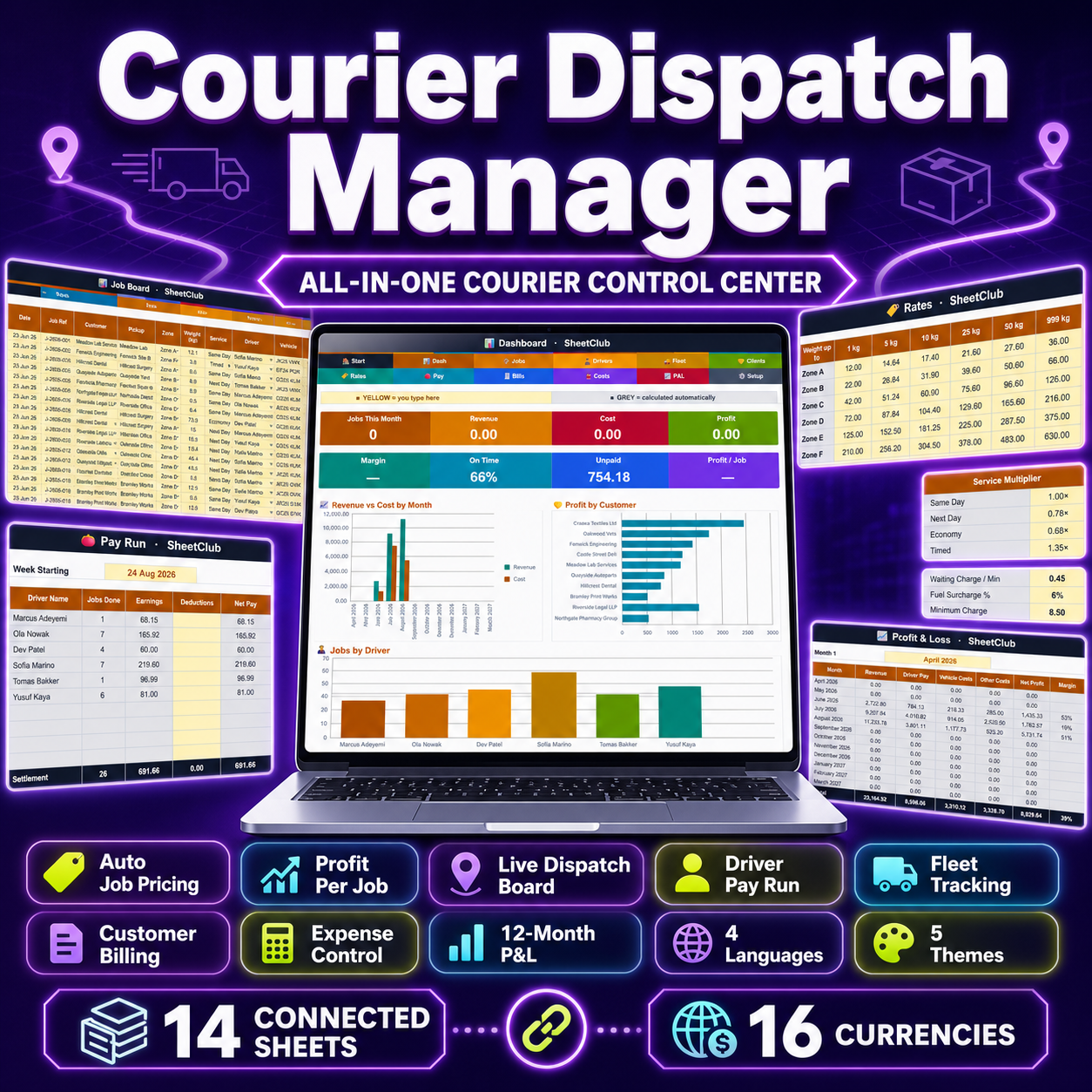
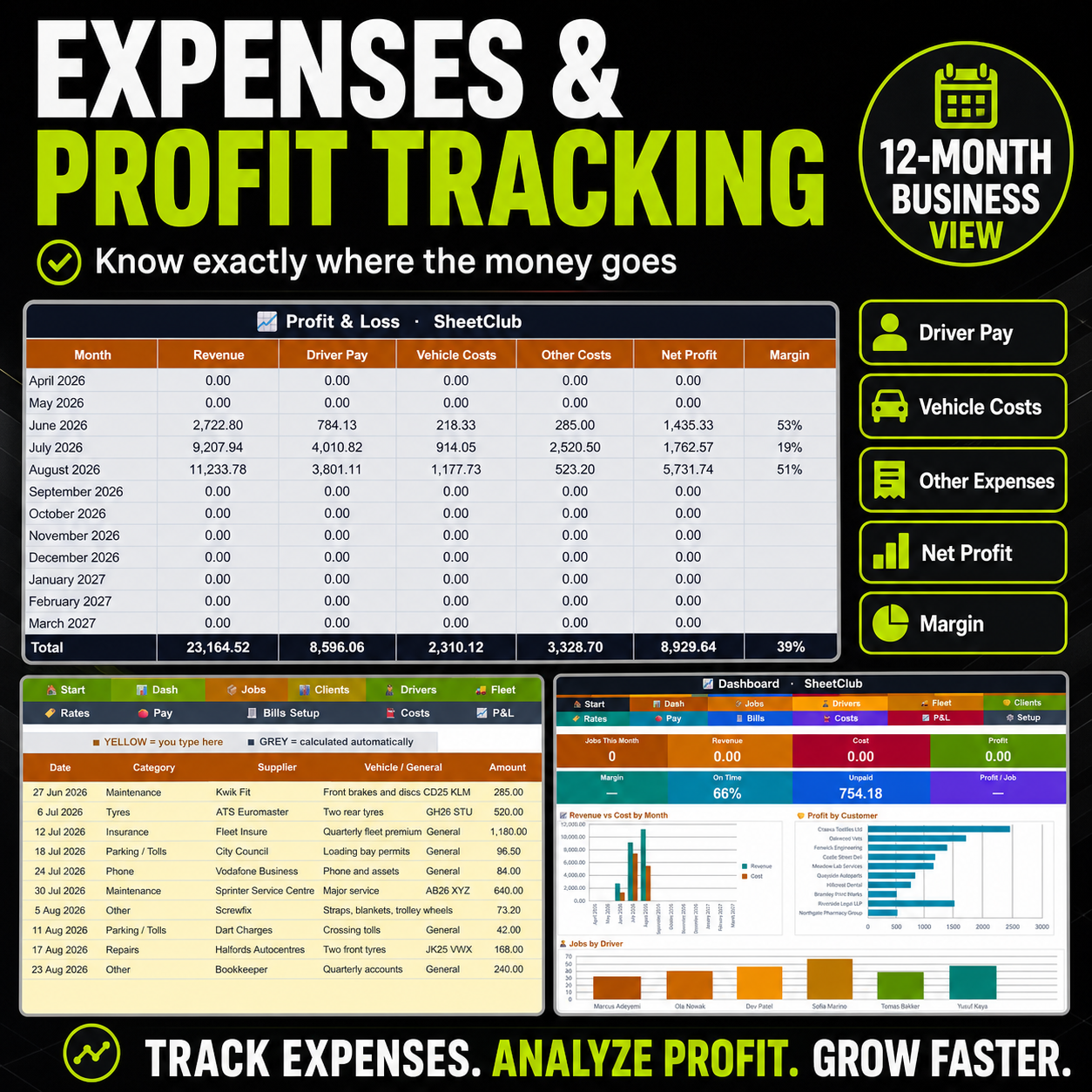
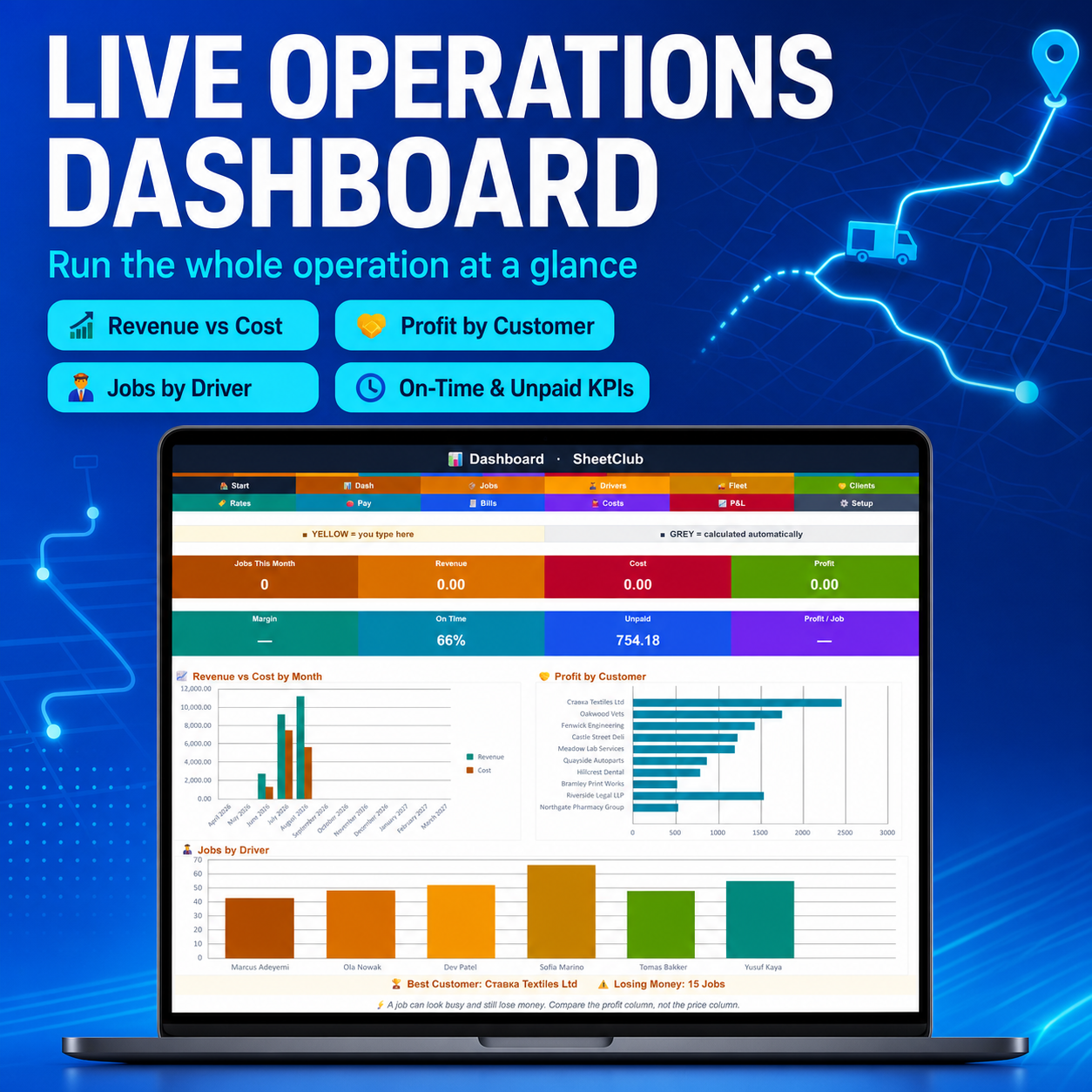
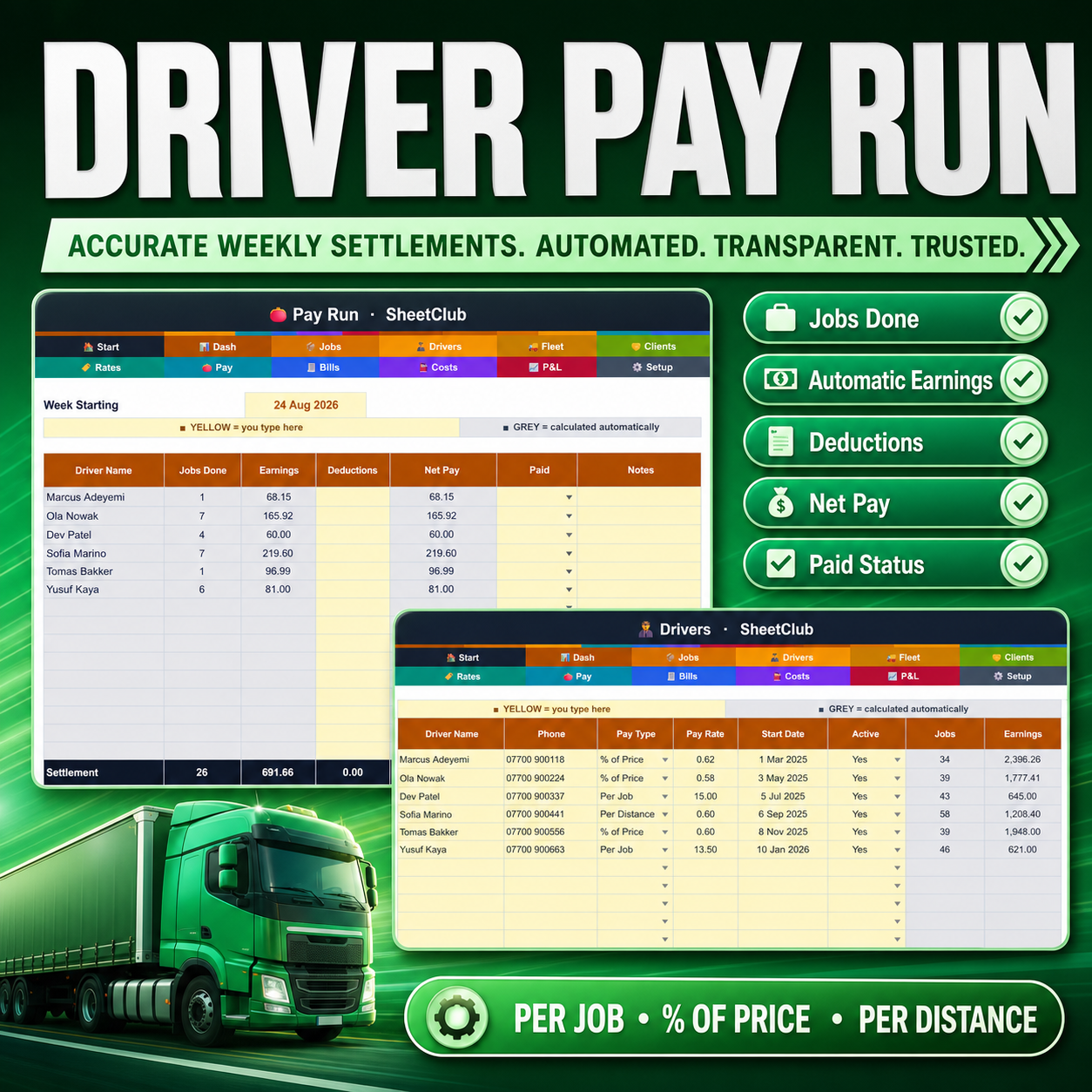
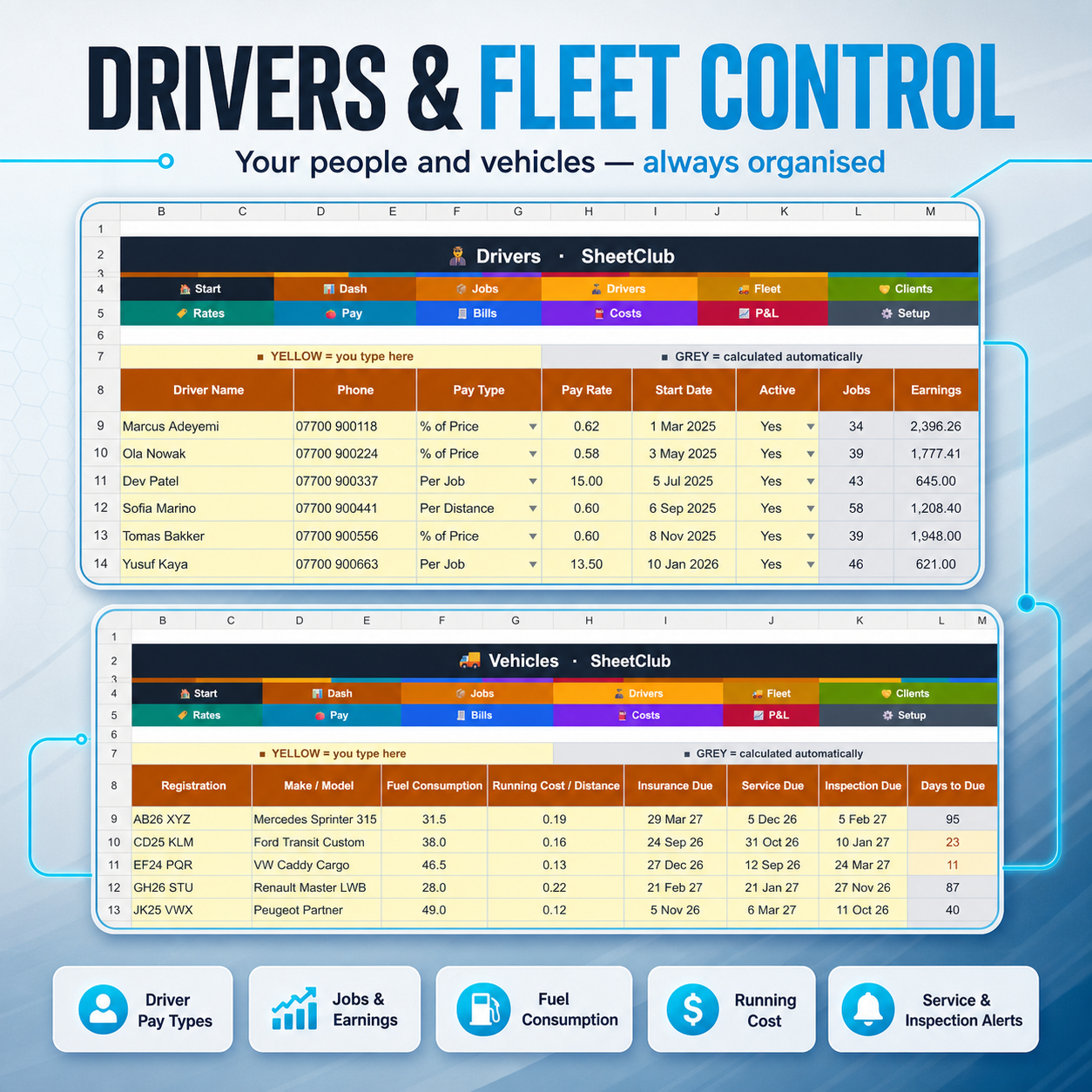
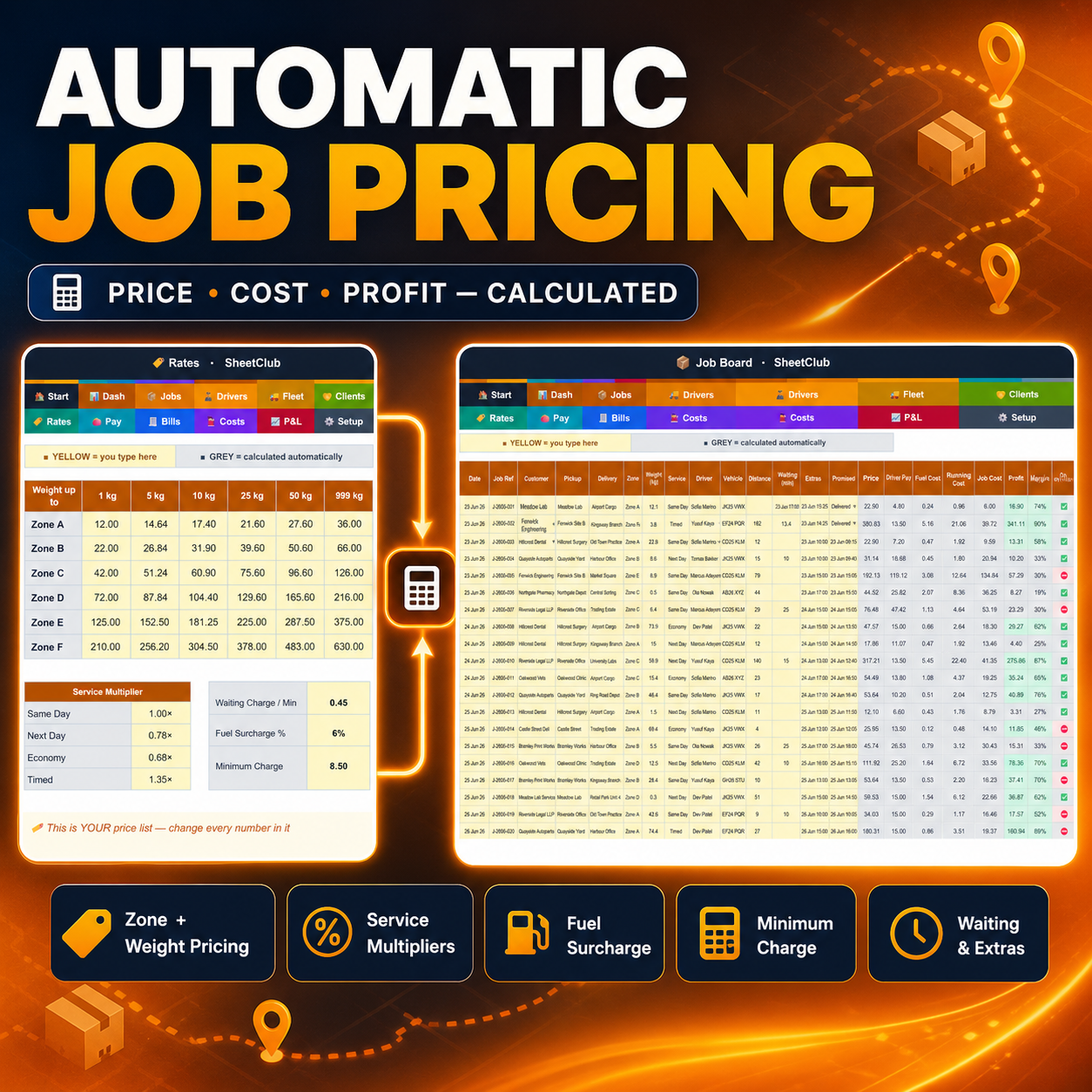
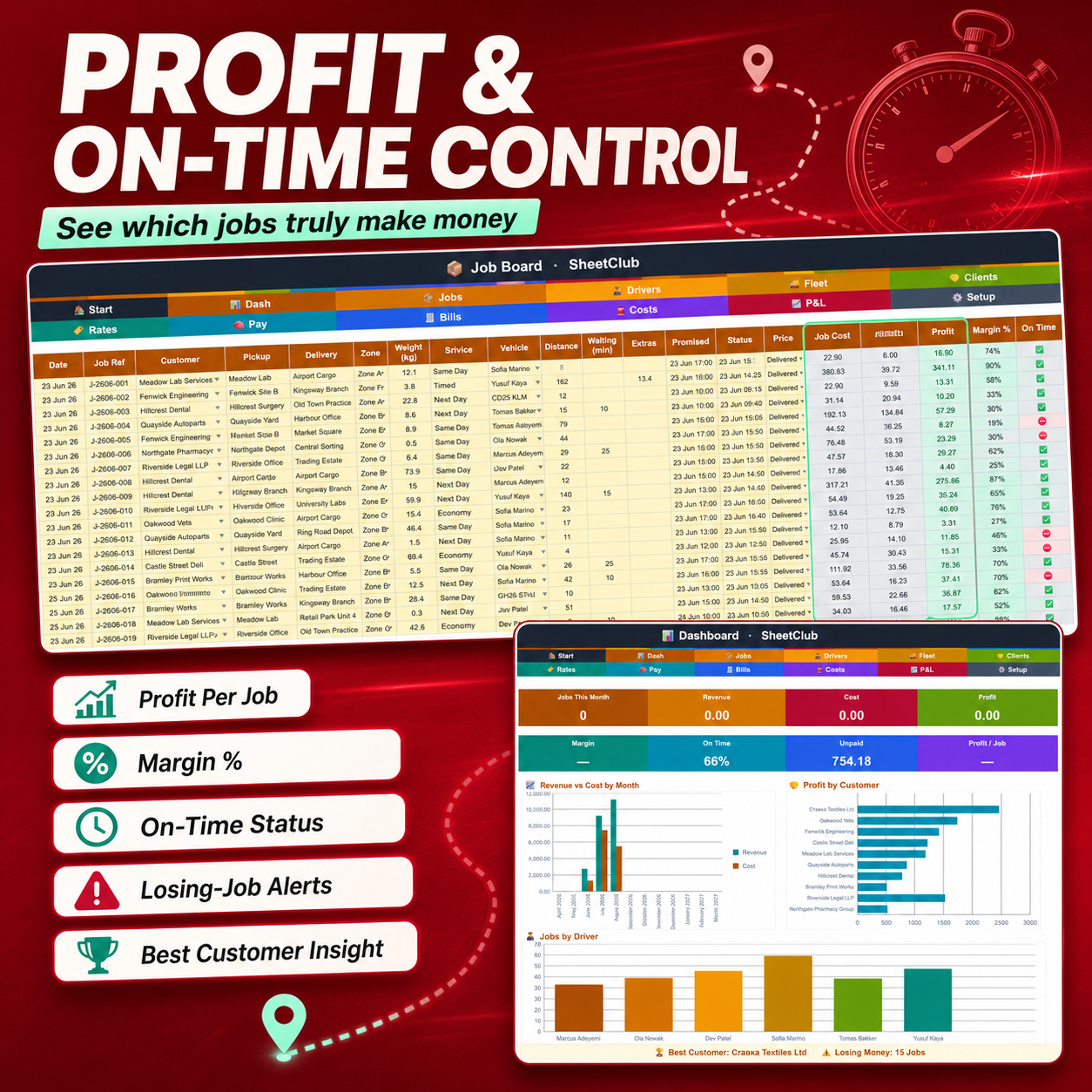
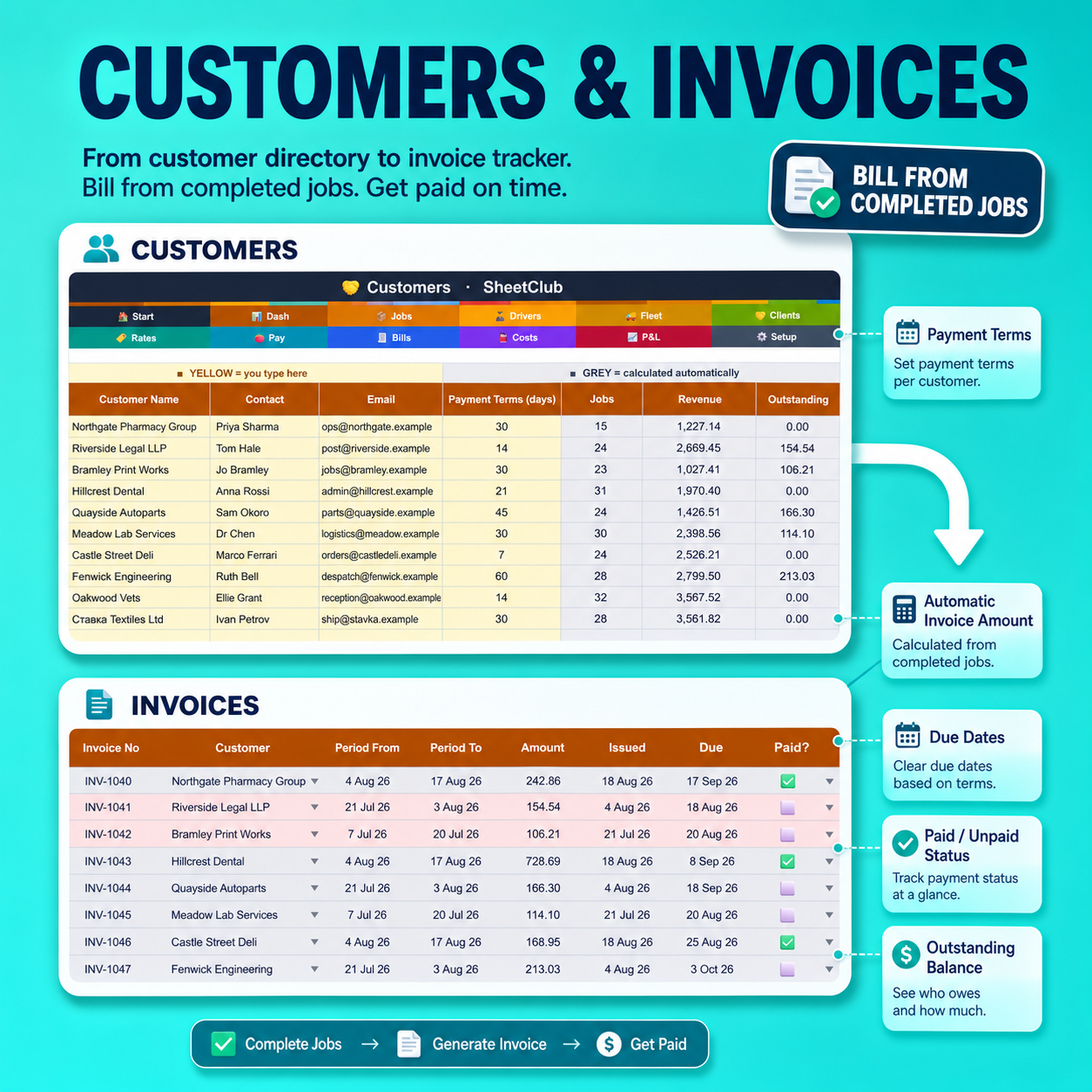
1 SPREADSHEET · 12 TABS · 9 LANGUAGES · 16 CURRENCIES · MILES OR KM ✦ Every job priced, costed and paid — automatically. 🚚 Most courier spreadsheets are lists. You type the job, you type the price, it adds up the column. This one does the two things that actually decide whether the year works: IT PRICES THE JOB. Type the customer, the zone, the weight and the service level. The sheet looks up your own rate card, applies your service multiplier, adds waiting time and extras, applies your fuel surcharge and holds your minimum charge. You never type a price again. IT COSTS THE JOB. Driver pay from that driver’s own deal — per job, % of the price, or per mile. Fuel from that van’s real consumption and today’s fuel price. Running cost from that van’s pence per mile. Then it shows you the profit and the margin, and turns the row red when the job lost money. In the worked example that comes in the file, 15 jobs out of 259 lose money. Busy jobs. Big-name customers. Nobody would have spotted them. Available in ENGLISH, SPANISH, GERMAN, ITALIAN, FRENCH, TURKISH, POLISH, PORTUGUESE and DUTCH. Pick your language once and every tab, heading and dropdown switches instantly. ───────────────────────────── WHAT’S INSIDE — 12 CONNECTED TABS (one-click navigation) ✦ DASHBOARD — jobs this month, revenue, cost, profit, margin, ON-TIME %, unpaid invoices and profit per job — plus three charts: revenue vs cost by month, profit by customer, and jobs by driver ✦ JOBS — a 300-row dispatch board: date, reference, customer, pickup, delivery, zone, weight, service, driver, van, distance, waiting, extras, promised time, delivered time and status. Then PRICE, DRIVER PAY, FUEL, RUNNING COST, JOB COST, PROFIT, MARGIN % and ON TIME all calculate themselves ✦ RATES — your price list: 6 zones × 6 weight bands, a multiplier for each service level, waiting charge per minute, fuel surcharge and minimum charge. Every number is yours to change ✦ DRIVERS — 20 drivers, each with their OWN pay model: a flat rate per job, a percentage of the job price, or a rate per mile/km. Their job count and earnings fill in automatically ✦ VEHICLES — 15 vans: consumption, running cost per mile/km, and insurance, service and inspection dates that COUNT DOWN and turn amber at 30 days ✦ CUSTOMERS — 40 accounts with payment terms; jobs, revenue and outstanding balance all calculated ✦ PAY RUN — pick a week. Every driver’s jobs, earnings and net pay are already worked out from the jobs you logged. Add deductions, tick paid, done ✦ INVOICES — 100 rows. Choose a customer and a date range and the amount totals itself from the jobs in that window. The due date comes from that customer’s terms; overdue turns red ✦ EXPENSES — 150 rows of overheads by category and vehicle ✦ PROFIT & LOSS — 12 months: revenue, driver pay, vehicle costs, other costs, net profit and margin ✦ SETTINGS — language, theme, currency, MILES OR KILOMETRES, and today’s fuel price ✦ START HERE — a branded guide that links to every tab ───────────────────────────── BUILT FOR HOW COURIERS ACTUALLY WORK • MILES OR KILOMETRES — one dropdown. Enter van consumption as mpg or km/L to match • 16 currencies ($ € £ ₹ ¥ zł ₺ R$ + more) — every money column reformats itself • 9 interface languages, all dropdowns included • 5 themes including MIDNIGHT DARK for night dispatch • YELLOW cells are yours to fill. GREY cells calculate themselves • Formulas protected (no password) so nothing breaks by accident • Works for same-day, overnight, multi-drop, medical, legal and pallet work TWO FILES INCLUDED • One filled with a complete worked example — 10 weeks, 259 jobs, 6 drivers, 5 vans, 10 customers — so you can see exactly how it behaves • One completely BLANK, ready for your own business from the first row PLEASE NOTE • Fuel is costed on each job from van consumption × fuel price, so the Expenses tab is for OVERHEADS (insurance, tyres, repairs, tolls, phone). Do not also enter fuel-card statements there or fuel will be counted twice. • The Profit & Loss covers job revenue, driver pay, vehicle costs and the overheads you enter. It does not include your own wages, premises or tax — add those as expense rows if you want a true net figure. • This is a DIGITAL product; nothing will be shipped. • Requires Microsoft Excel 2016+ or a free Google account. • Digital sales are final — but if anything is wrong with your file, message me and I’ll fix it fast. • Personal and business use for the buyer only. No resale or redistribution. Designed with care by SheetClub


Reviews
There are no reviews yet.